
How to use it
Any government task, in five steps.
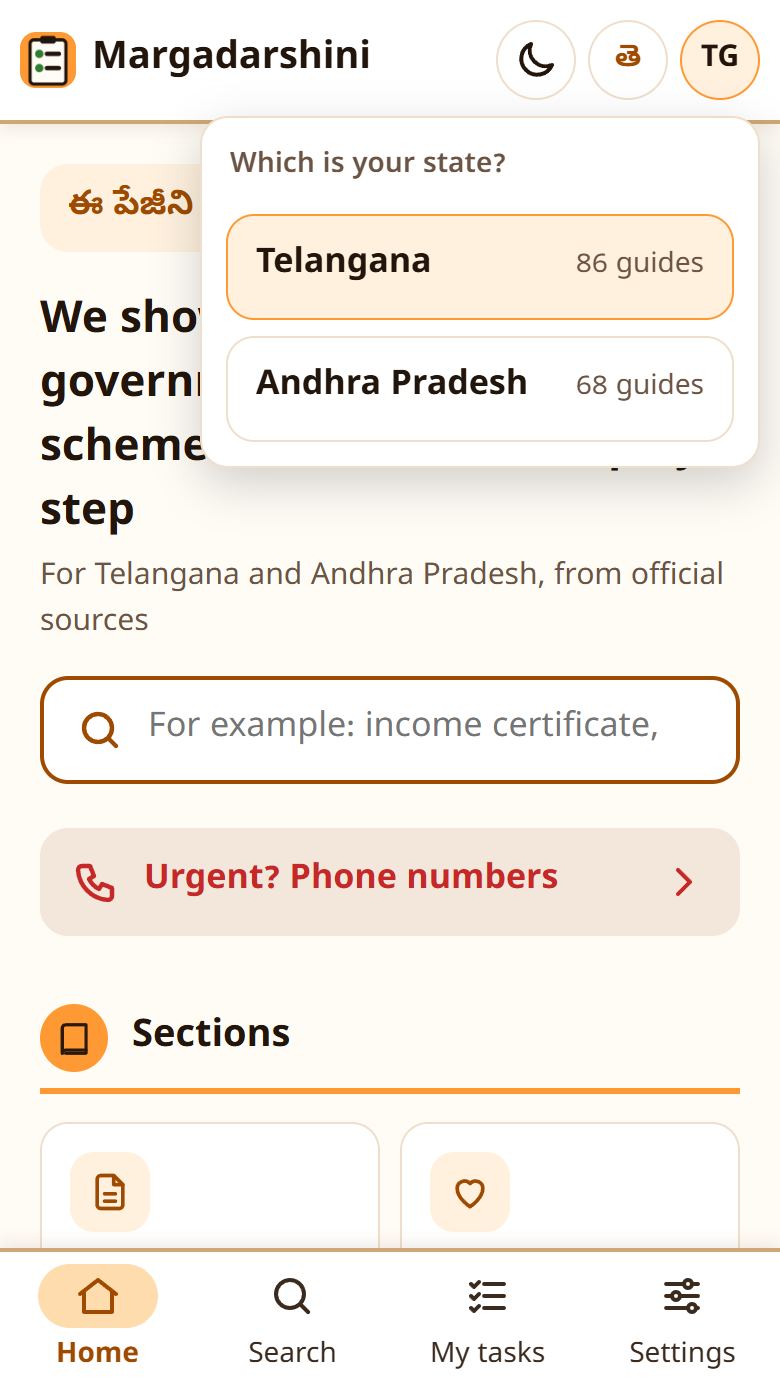
1Choose your state
Telangana and Andhra Pradesh do things differently. Tap TG or AP at the top right to change it at any time.
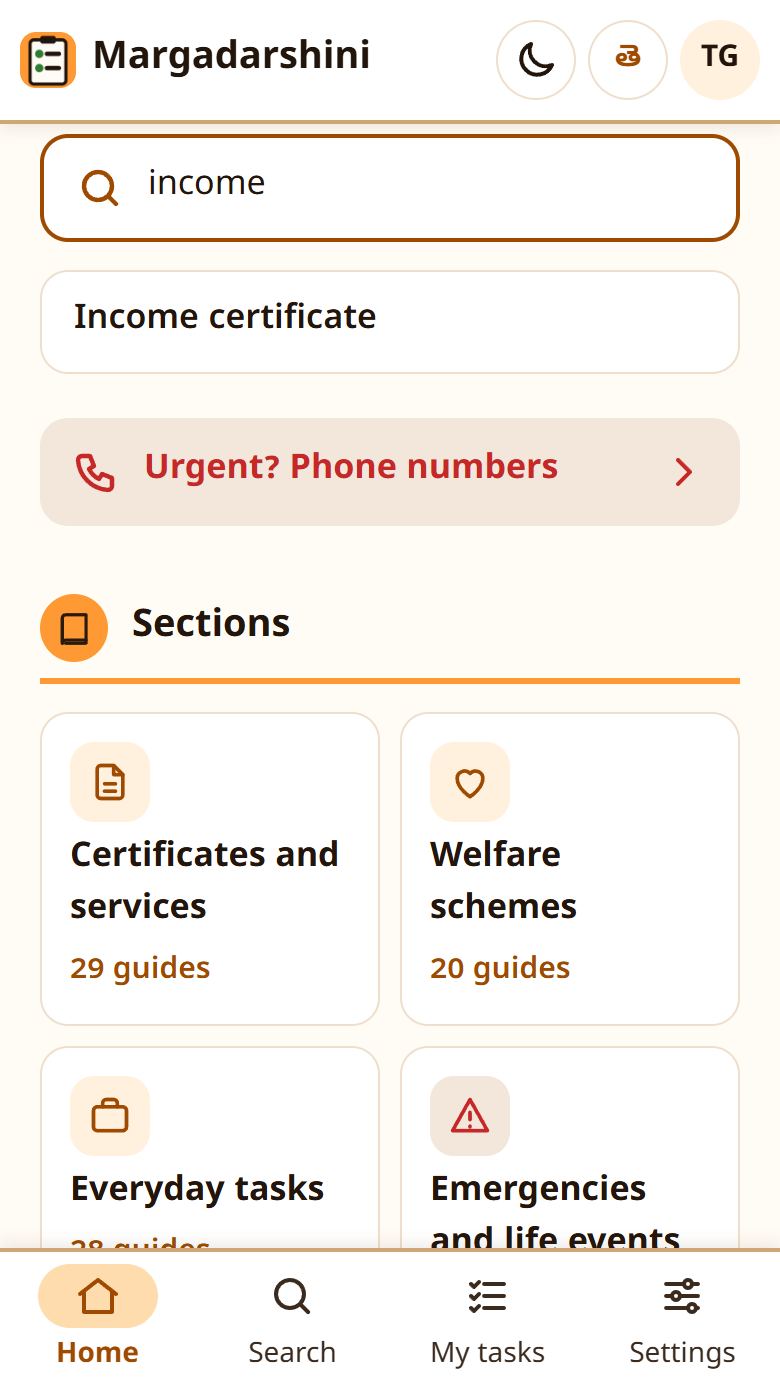
2Find your task
Open a section on the home page, or type your task in the search box, for example "income certificate" or "ration card".
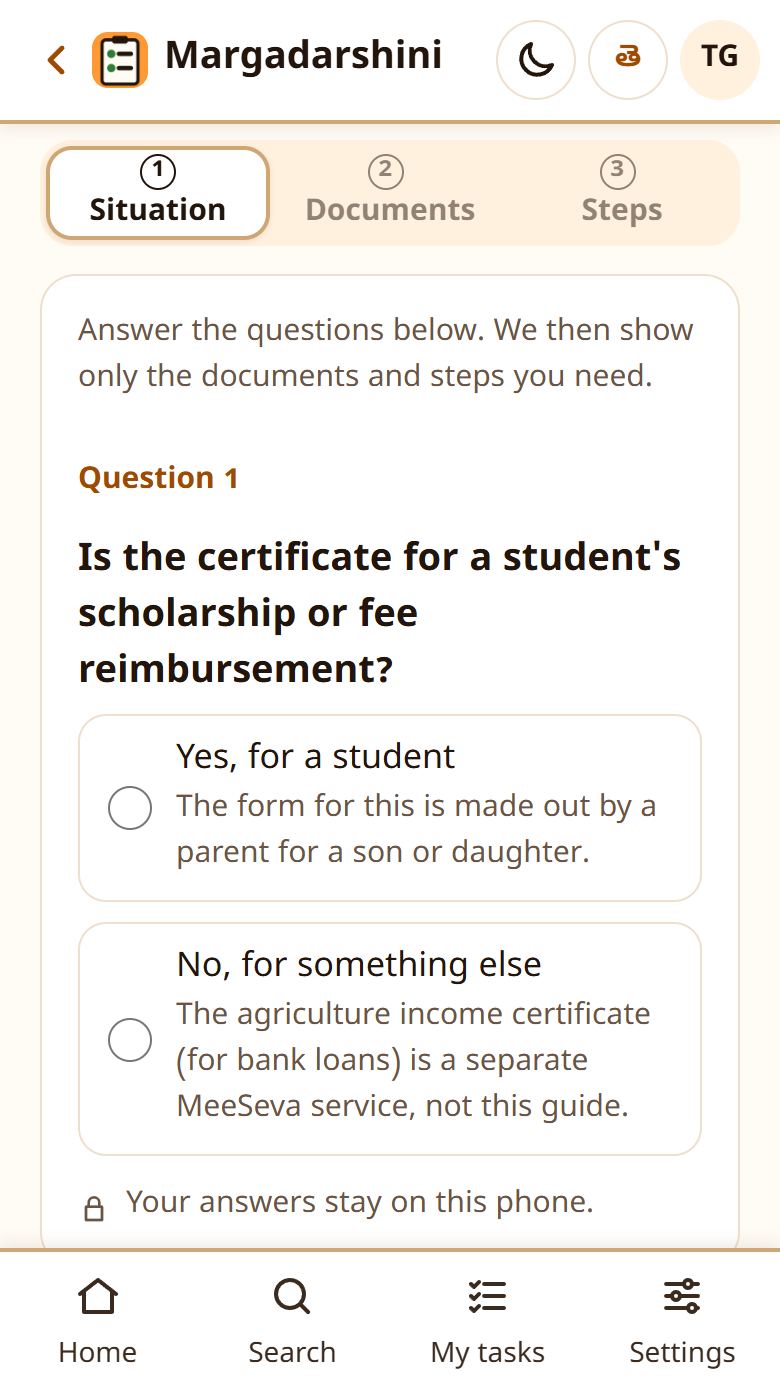
3Answer a few questions
A few questions about your situation. Your answers decide which documents and steps you see.
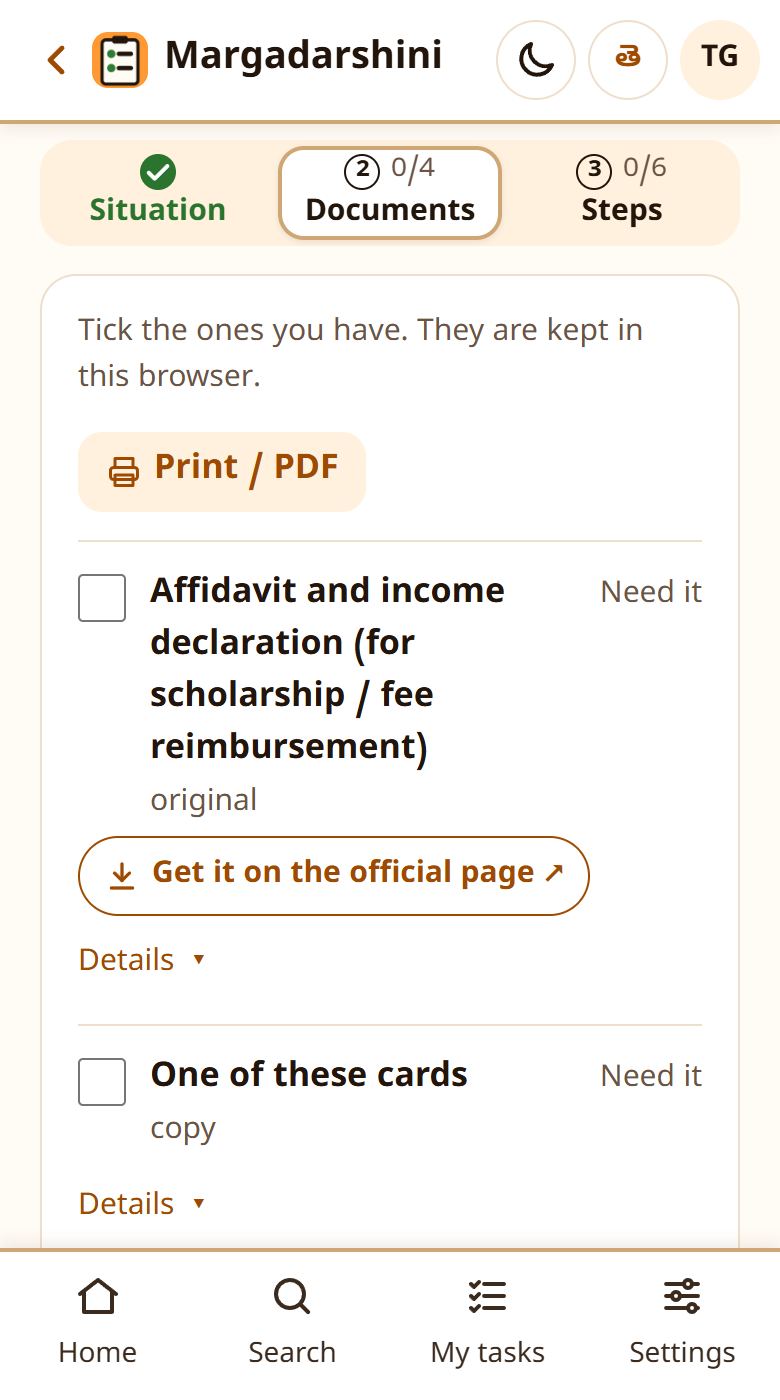
4Get your documents ready
Tick each document you have. Where to get a missing one is shown under it. Your ticks stay on this phone.
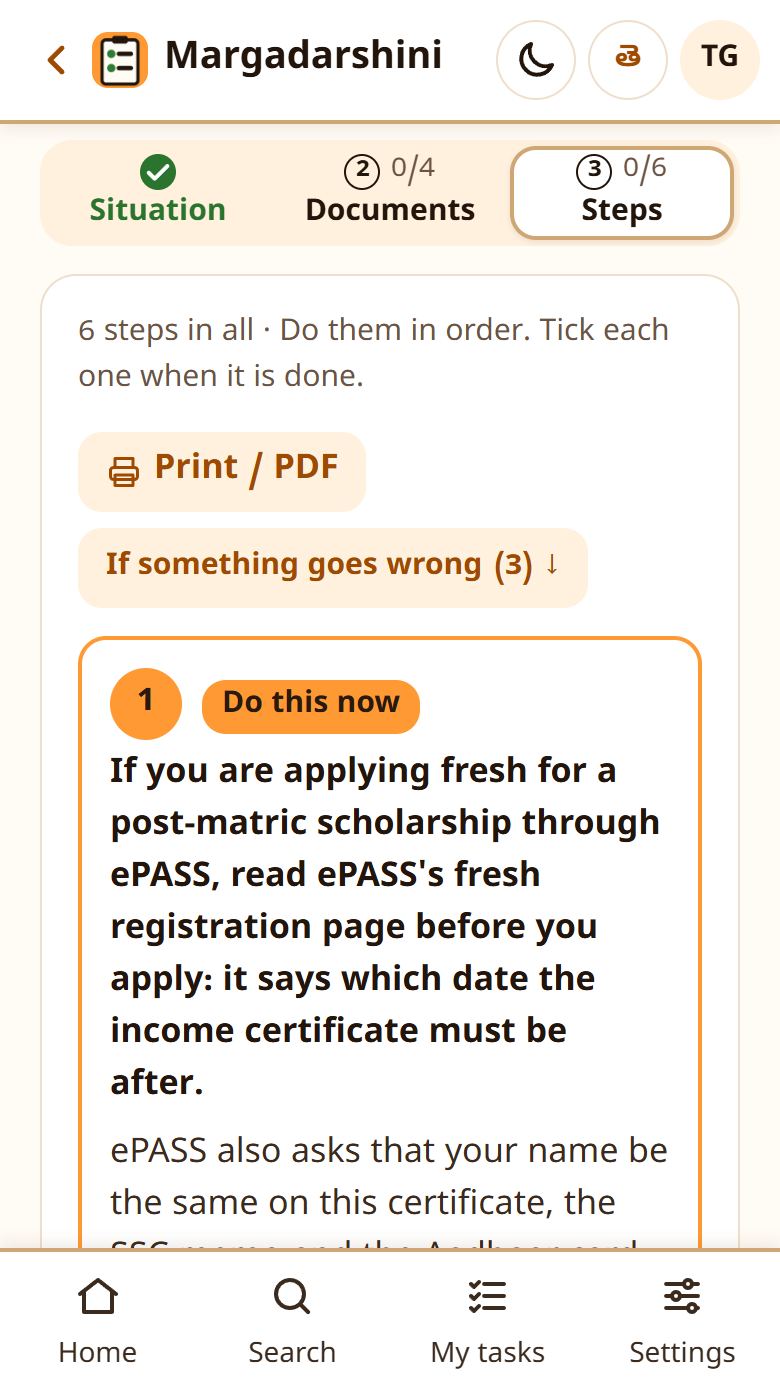
5Follow the steps in order
Each step says where to go, the fee and how long it takes. Tick a step when it is done. "Listen" reads it aloud; "Print / PDF" gives you the list on paper.
What "Pending verification" means
Each guide is written from official sources, but no person has checked it yet. Before you go, confirm the fee and documents at the office or on the official website.
If something is wrong
Tap "Report a mistake on this page" at the foot of any page and tell us.